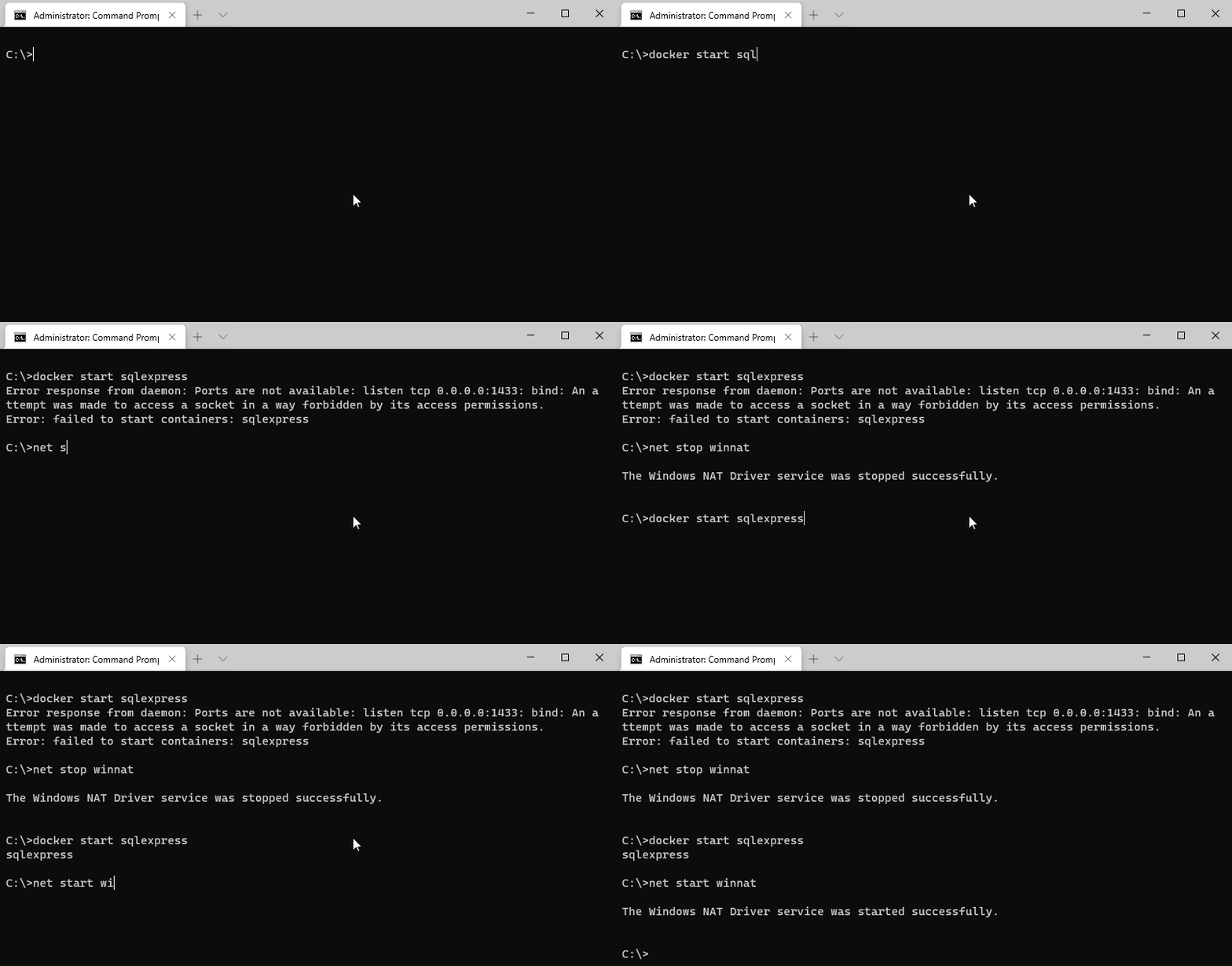
Windows 10 can sometimes hog ports and sockets preventing us from using them with services like docker. This renders error like this
docker : Error response from daemon: Ports are not available: listen tcp 0.0.0.0:1433: bind:
An attempt was made to access a socket in a way forbidden by its access permissions.
At line:1 char:1
+ docker start sqlexpress
+ ~~~~~~~~~~~~~~~~~~~~~~~
    + CategoryInfo          : NotSpecified: (Error response ...ss permissions.:String) [], RemoteException
    + FullyQualifiedErrorId : NativeCommandError

Error: failed to start containers: sqlexpress
Stopping winnat
To fix this you must temporarily disable the winnat service, this is simply done by running this command (must be run as administrator)
net stop winnat
Start your docker services and start winnat again
net start winnat
Enjoy